


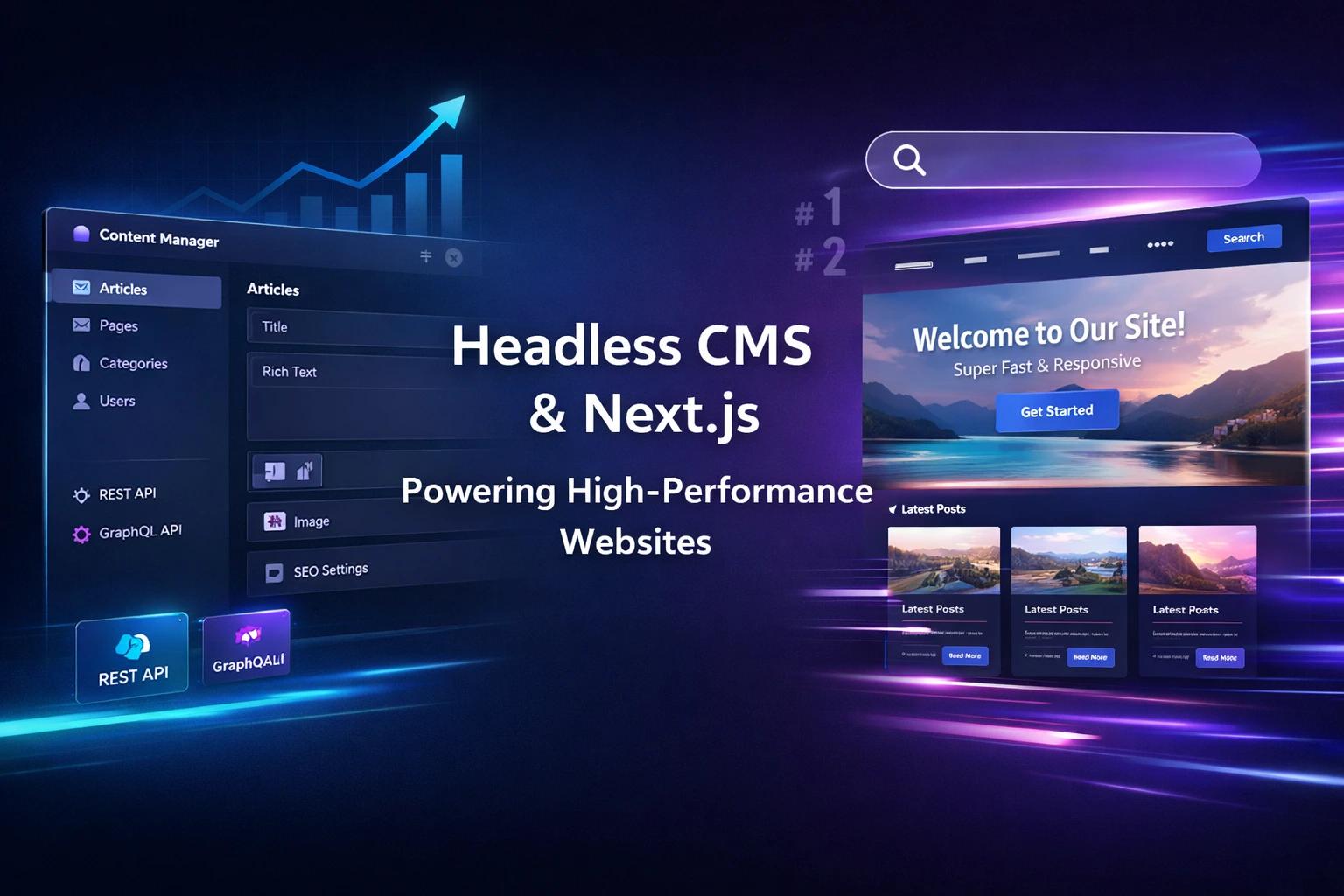
Fast websites are not the result of optimization of plugins or last-minute fixes. They are built through architectural decisions made early, especially when using a modern Strapi headless CMS with performance-focused frontend frameworks.
Many CMS-driven websites slow down as content grows because the CMS and frontend are tightly coupled. Each page load triggers server work, database queries, and runtime processing. Over time, this architecture becomes a bottleneck.
A proven way to avoid this is pairing Strapi 5 with Next.js. When implemented correctly, this setup keeps websites consistently fast while supporting SEO, content scalability, and editorial flexibility.
Fast answer
A fast Strapi 5 + Next.js website is built by using static rendering for most pages, incremental static regeneration (ISR) for frequently updated content, minimal and selective API fetching from Strapi, aggressive caching, and optimized media delivery. This approach removes runtime performance bottlenecks while maintaining strong SEO and flexible content workflows.
Who This Architecture is Best Suited For
This setup works especially well for:
- B2B companies with growing content libraries
- Marketing teams that need frequent publishing without developer dependency
- SEO teams focused on Core Web Vitals and predictable indexability
- Engineering teams that want performance without CMS theme lock-in
- Product teams managing long-term scalability
Many organizations implement this architecture through specialized Strapi development services to ensure scalable integrations, optimized APIs, and long-term maintainability.
Why CMS Websites Slow Down Over Time
CMS websites typically slow down because pages are generated dynamically on every request. As content grows, the CMS performs more database queries, processes more relationships, and loads additional plugins or extensions.
The most common causes are:
- Server-side rendering on every page view
- Large, deeply nested content models
- Excessive third-party scripts loaded globally
- No caching strategy for APIs or assets
- Unoptimized images and media files
Even with strong hosting, runtime-heavy architectures eventually hit performance limits.
Why Strapi 5 + next.js is a Strong Stack for Performance
Strapi 5 and Next.js work well together because they separate responsibilities cleanly.
Strapi 5 handles:
- Content modeling
- Editorial workflows
- Media management
- Role-based access control
- API-first content delivery
Next.js handles:
- Page rendering and routing
- Static generation and ISR
- CDN-based delivery
- Image and script optimization
- SEO metadata output
This separation removes the biggest performance risk in traditional CMS setups: frontend rendering tied to a heavy CMS runtime. Organizations implementing modern CMS development services can leverage this architecture to build scalable and high-performance digital platforms.
Next.js handles rendering, routing, and performance optimization, while Strapi manages structured content delivery. If you are evaluating frontend options, explore our detailed guide on Next.js vs React.js differences.
What is the Best next.js Rendering Strategy for Speed?
The fastest websites avoid rendering pages at runtime.
For most B2B websites, the optimal strategy is:
- Static rendering for marketing and service pages
- ISR for blogs, case studies, and content hubs
- SSR only when required, such as authenticated dashboards
Static pages are built ahead of time and served instantly via CDN. This alone dramatically improves load time, stability, and SEO consistency.
When Should You Use Isr Instead of Fully Static Pages?
Fully static pages are the fastest option, but they are not always practical for active marketing teams that publish frequently.
Incremental Static Regeneration allows you to:
- Serve a static page instantly
- Regenerate it in the background
- Keep content fresh without rebuilding the entire site
A realistic ISR revalidation strategy:
- Blog posts: every 30–60 minutes
- Case studies: every 2–6 hours
- Service pages: every 6–12 hours
- Homepage: every 10–30 minutes
This balances speed, freshness, and operational flexibility.
How Should Strapi 5 Content Models Be Structured for Performance?
Frontend performance starts with clean content modeling. Clean modeling is essential when building enterprise websites powered by Strapi CMS, as it directly impacts API efficiency and frontend performance.
Overly complex Strapi models with deep relations often result in:
- Large API payloads
- Slower fetch times
- Multiple API calls per page
- Increased frontend processing
A practical Strapi 5 structure for websites includes:
- Pages (built from reusable sections)
- Blog posts
- Case studies
- Global settings (header, footer, navigation, SEO defaults)
Reusable components should be used for common blocks such as CTAs, FAQs, testimonials, and feature grids. Relations should remain shallow unless deeper nesting is required.
How to Fetch Content Efficiently From Strapi in next.js
Fetching too much content is one of the biggest performance killers.
Best practices include:
- Fetch only the fields required for the page
- Avoid pulling full relations by default
- Keep listing endpoints lightweight
- Avoid fetching full content bodies on listing pages
- Aim for one API request per page whenever possible
Examples:
- Homepage: homepage sections + global settings
- Blog listing: title, slug, excerpt, cover image
- Service page: only that page’s content blocks
Smaller payloads lead to faster builds and more reliable ISR.
What Caching Strategy Works Best for Strapi 5 + Next.js?
Caching turns fast pages into consistently fast pages.
A practical setup includes:
- CDN caching for Next.js output
- Browser caching for images, fonts, and scripts
- API response caching for Strapi endpoints
- Optional server-level caching for high-traffic sites
Additionally, ensure:
- Brotli or GZIP compression is enabled
- Strapi runs behind a reverse proxy
- Media uploads are served via CDN or object storage
Caching reduces load, stabilises performance, and protects SEO during traffic spikes.
How to Optimize Images and Media From Strapi
Images are one of the most common reasons websites fail Core Web Vitals.
Best practices include:
- Using the Next.js Image component for all Strapi images
- Defining width and height to prevent layout shifts
- Serving responsive sizes
- Compressing images before upload when possible
- Delivering media through a CDN
For media-heavy sites, S3-compatible storage and CDN-backed delivery are strongly recommended.
How to Maintain Strong SEO While Optimizing for Performance
Performance supports SEO, but SEO also requires structure.
Strapi content types should include SEO fields by default:
- SEO title
- Meta description
- Canonical URL
- Open Graph metadata
- Index/no index toggle
- Optional schema fields
Embedding SEO into content models ensures consistency, reduces human error, and makes pages easier for search engines and AI systems to interpret.
How AI Systems and Search Engines Interpret This Setup
Static and ISR-rendered pages produce predictable HTML output. This improves:
- Crawl efficiency
- Indexing reliability
- Content summarization by AI systems
Clean metadata, consistent page structures, and stable URLs reduce ambiguity, making the site easier for AI models to extract accurate answers from.
Pre-launch Performance Checklist
- Rendering: Mostly static with ISR, minimal SSR
- Images: Optimized and responsive
- Scripts: Loaded per page, not globally
- Fonts: Self-hosted and preloaded
- API calls: Build-time or ISR only
- Strapi models: Clean and shallow
- SEO: Metadata, canonicals, OG, schema implemented
- Core Web Vitals: LCP, CLS, INP in green
Common Mistakes Teams Make With Strapi 5 + next.js
Most slow websites fail due to implementation of shortcuts, not technology choices.
Common issues include:
- Using SSR everywhere unnecessarily
- Fetching large Strapi responses with unused relations
- Overusing dynamic zones
- Ignoring caching
- Uploading unoptimized media
- Loading third-party scripts globally
- Delaying performance testing until launch
These problems are avoidable with early planning.
A Real-World Workflow for Fast Strapi + next.js Sites
Define content types in Strapi
- Build reusable frontend components
- Map Strapi components to UI blocks
- Apply static and ISR rendering strategically
- Implement caching and media optimization
- Test using Lighthouse, PageSpeed Insights, and WebPageTest
This workflow keeps marketing productive while preserving long-term performance.
Conclusion
Strapi 5 + Next.js is one of the most reliable stacks for building fast, scalable, and SEO-friendly websites.
When Next.js is treated as the performance layer and Strapi as the content layer, websites remain fast even as content grows. With the right rendering strategy, clean content models, and disciplined caching, this setup supports both marketing velocity and long-term technical stability.
Get in touch with OpenSpace Services to get started. Contact us today.