

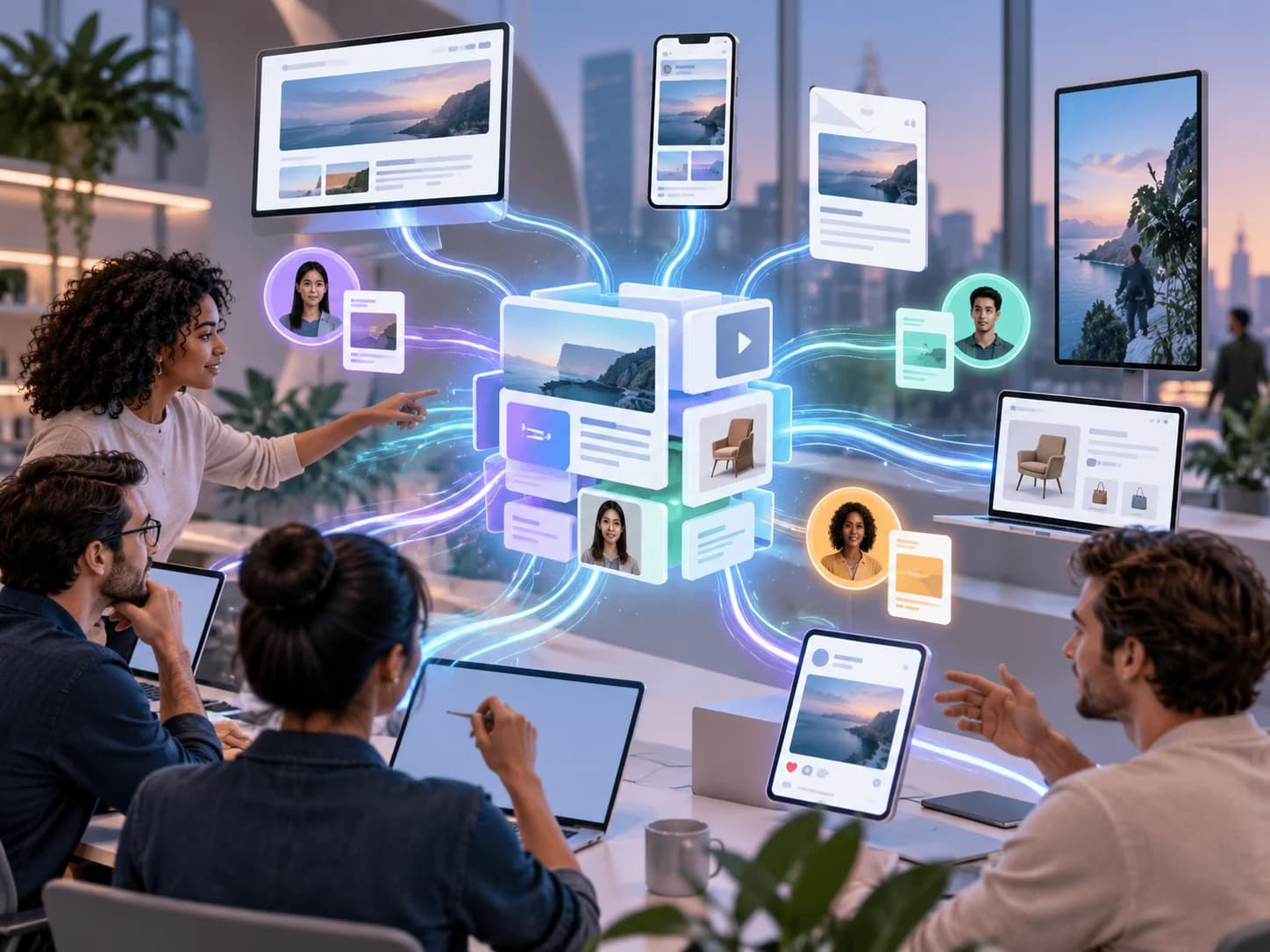
Quick answer: A headless CMS stores your content once and sends it to your website, app, emails and any other channel. For marketing teams, that means campaign pages built from approved blocks without waiting on developers, one source of truth for every channel, faster pages and content that's easier for AI search to read.
I've never met a marketing team that said, "We have too much time." I have met plenty that lose days waiting for a developer to change a headline, or copying the same product copy into a website, an app and three regional sites.
That's the problem a headless CMS can help solve. This guide is for CMOs, marketing directors and heads of digital who want to know what changes in practice, and how to tell if it's working. If your marketing team regularly waits on developers to publish content, Strapi CMS development services can help you plan a content setup that supports reusable content, publishing workflows and delivery across multiple channels.
| Task | Traditional CMS | Headless CMS |
|---|---|---|
| Launch a campaign page | Developer ticket or a rigid template | Marketers assemble it from approved blocks |
| Update copy across web and app | Edit each one separately | Edit once, publish everywhere |
| Keep the brand consistent | Depends on who built the page | Built into the blocks |
| Page speed | Often slowed by themes and plugins | Fast, modern front end |
| Add a new channel | Often a rebuild | Connect it to the same content |
What do Marketing Teams Struggle with Today?
Most marketing teams aren't short of ideas. They're short of ways to ship them quickly. The usual blockers are developer queues, content scattered across systems, and websites that slow down with every new plugin.
- Campaign pages wait in a developer queue
- The same content is copied into several systems by hand
- Small edits break page layouts
- Pages get slower as plugins pile up
- Each new channel feels like starting from scratch
None of this is a people problem. It's a tooling problem, and it shows up in your content operations: The process of planning, creating, approving and publishing content across your team.
How does a Headless CMS Help Marketing Teams?
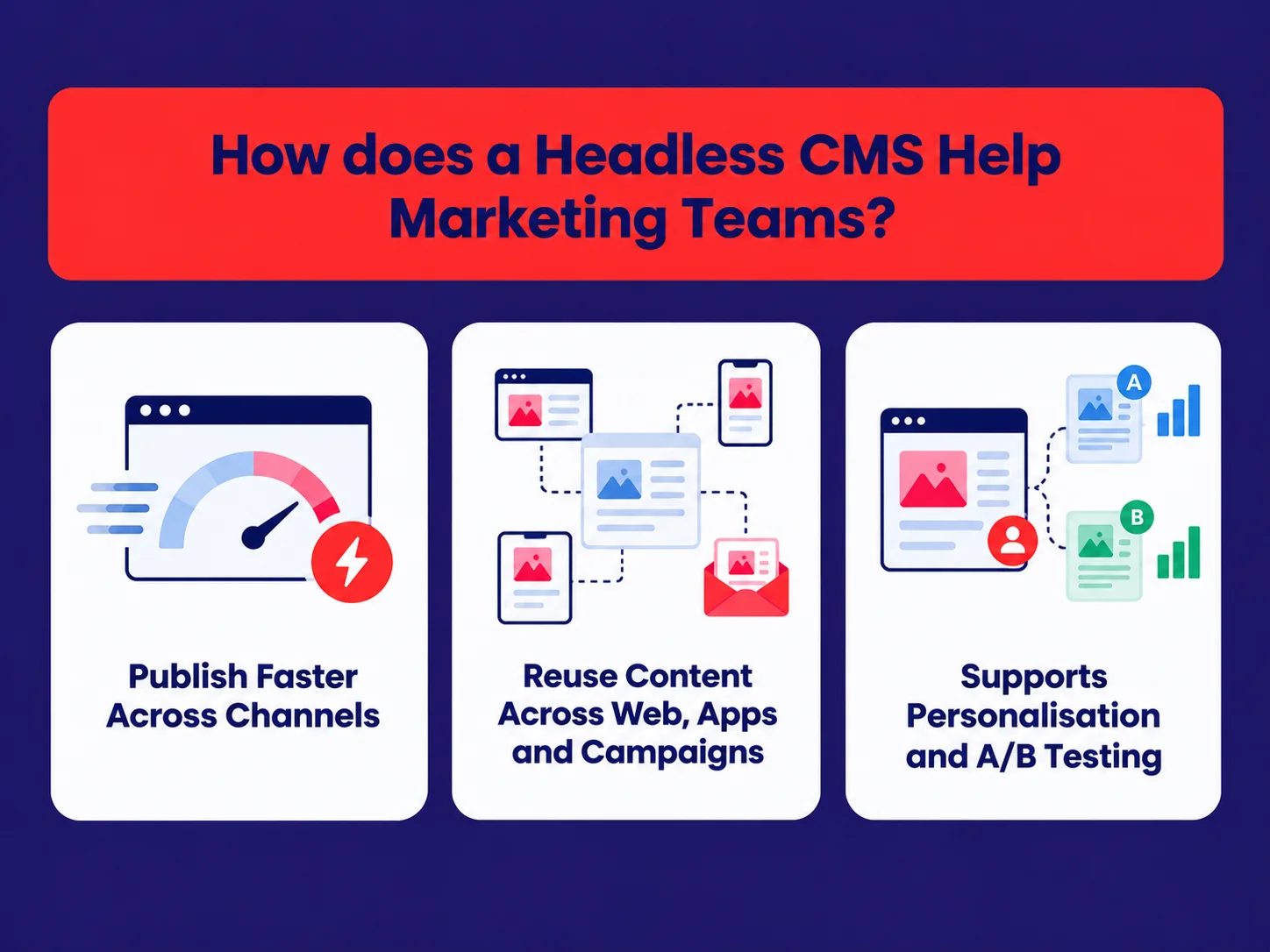
A headless CMS separates content from the way it is displayed. Content lives in one place as structured fields, while your website, app and other channels retrieve what they need. The biggest benefits for marketing teams are faster publishing, content reuse and consistency. For organisations planning this architecture, headless CMS development services can help connect the content model, frontend and publishing workflows to the team's requirements.
It Help You Publish Faster Across Channels
You edit content once and it updates everywhere it appears. That's what omnichannel content management means in practice: one product description, one offer, one FAQ, feeding the website, the app and any other channel at the same time.
The old advice was to build a separate site or microsite for each channel or region. That made sense when every CMS was tied to one website. Now that content travels through APIs, one CMS can feed every channel, and your team edits in one place.
You can Reuse Content Across Web, Apps and Campaigns?
Because content is stored as fields, not whole pages, you can reuse pieces anywhere. A customer quote written once can appear on a product page, a campaign page and in the app. Fix a typo in one place, and it's fixed everywhere.
SupportsPersonalisation and A/B Testing
Yes, by working with the personalisation and testing tools you already use. The CMS holds the content variants, such as different headlines for different audiences. Your front end or personalisation tool decides which visitor sees which variant.
This is the idea behind composable marketing technology: picking the best tool for each job, such as CMS, analytics, testing and email, and connecting them, instead of relying on one platform to do everything moderately well.
Do you need a big tech team to run that? Not necessarily. A partner sets up the connections once. After that, marketers work in the CMS and their usual tools, and the connections run in the background.
How can Marketers Build Campaign Pages Without Developers?
With a library of approved building blocks. Developers build a set of blocks once, such as a hero banner, feature grid, testimonial, form and FAQ. Marketers then assemble new pages from those blocks, in any order, without touching code.
| Block | What Marketers control | What stays fixed |
|---|---|---|
| Hero banner | Headline, image, button text and link | Layout, fonts, spacing |
| Feature grid | Number of items, icons, copy | Grid style, colours |
| Testimonial | Quote, name, company | Design and formatting |
| Lead form | Fields shown, thank-you message | Data handling and security |
| FAQ | Questions and answers | FAQ schema for search |
In Strapi, these blocks are built with components and dynamic zones. The result is speed for marketing and peace of mind for the brand team.
"Marketers don't want to code, and designers don't want marketers redesigning the brand at 11 p.m. before a launch. Approved blocks keep both teams happy." Akshay Maniar, Senior Software Engineer, OpenSpace Services
What if you need a block that doesn't exist yet? A developer builds it once, it goes through design review, and then it's in the library for every future campaign. Over time, the library covers most of what you need.
What does a Marketing Workflow Look Like in a Headless CMS?
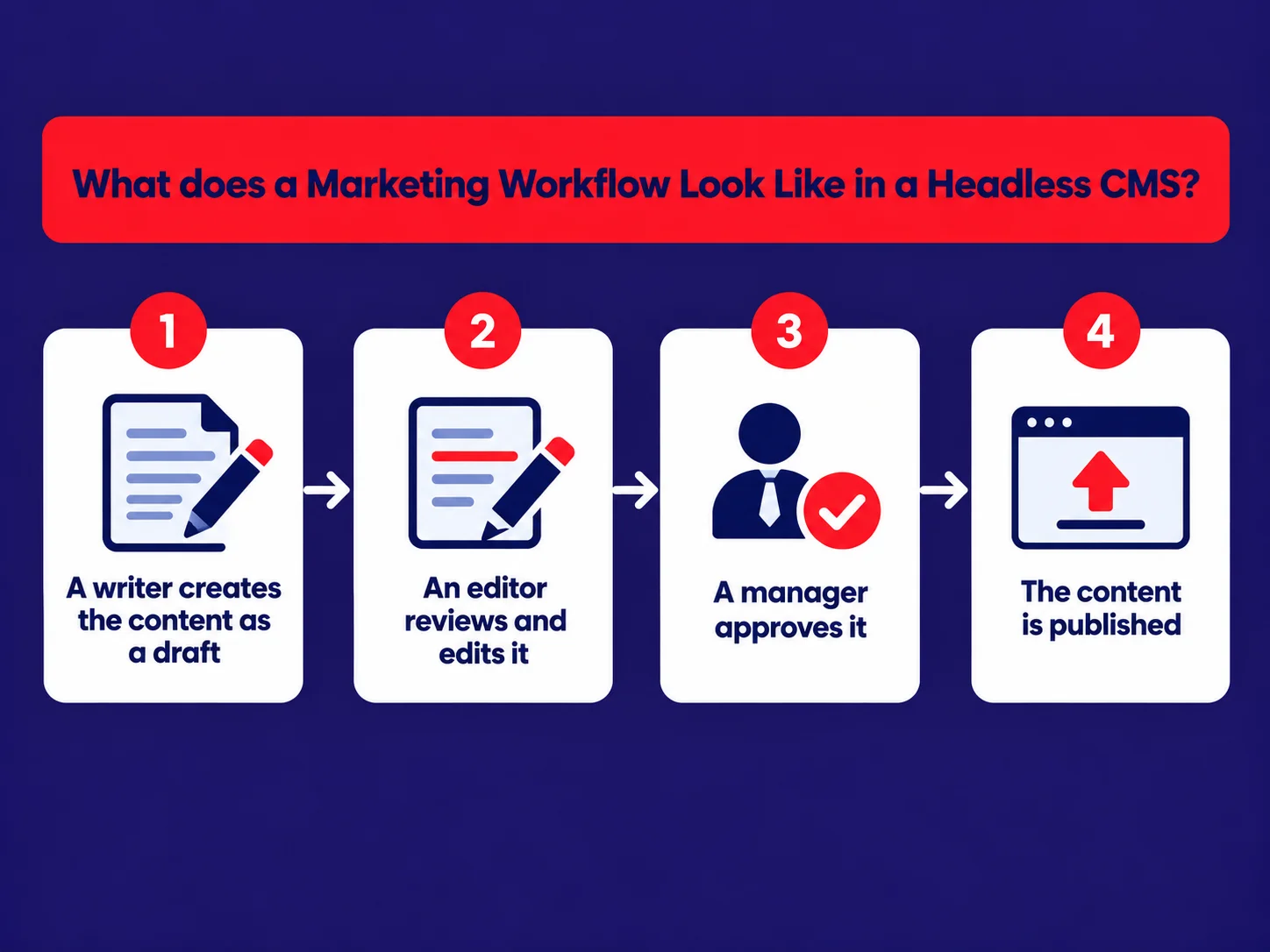
It looks a lot like your current process, minus the waiting. Each person has a role, content moves from draft to review to published, and nothing goes live by accident.
- A writer creates the content as a draft
- An editor reviews and edits it
- A manager approves it
- The content is published, now or at a scheduled time
Roles control who can edit and who can publish. In Strapi, Draft and Publish comes as standard. The Releases feature, available on Strapi's Growth and Enterprise plans, lets you group several pieces of content and publish them together at a scheduled time. That's handy for a product launch that touches ten pages at once.
Our post on making Strapi simple for non-technical teams shows how far the editing screens can be simplified.
What About Preview, Autonomy and SEO?
These are the three concerns I hear most from marketing leaders. All three now have good answers.
Preview
Early headless tools had no way to see a page before publishing. That's changed. Strapi's Preview feature shows your real website inside the editor, including draft versions. On Growth and Enterprise plans, Live Preview adds a side-by-side view as you type.
Autonomy
With a block library and clear roles, marketers launch most pages on their own. Developers step in for new blocks and new features, not daily edits.
SEO
A headless site can be just as strong for SEO as any other, often stronger, because pages are faster. The key is server-side rendering, so search engines see full pages. Our guide to building fast, SEO-friendly sites with Strapi and Next.js covers the details.
How does a Headless CMS Help You Show Up in AI Search?
Structured content is easier for AI systems to read and cite. More buyers now ask AI assistants for recommendations, so being easy to understand matters as much as ranking on Google.
- Clear fields, such as product name, price range and features, make your content easy to read for machines
- FAQ blocks with schema give AI systems direct answers to quote
- Fast, server-rendered pages make sure your content is visible without extra steps
- One source of truth means AI tools don't find conflicting versions of your messaging
The old advice was that SEO meant keywords and backlinks. That's still part of it, but now that AI assistants answer questions directly, clear structure matters just as much.
For a broader view of machine-readable content, structured data, semantic HTML and API accessibility, read our guide to making your website ready for AI agents. These foundations can help AI systems interpret website content more clearly, although visibility in AI-generated answers is never guarantee
How do You Measure Whether a Headless CMS is Working?
Measure a few numbers before you switch, then compare them three and six months after launch. If the investment is working, you'll see it in speed, independence and results.
| Metric | What it Tells You |
|---|---|
| Time from brief to live page | How much faster campaigns launch |
| Developer tickets from marketing | How independent the team has become |
| Page speed (Core Web Vitals) | Whether pages load faster for visitors |
| Content reuse across channels | How much duplicate work you've removed |
| Campaign page conversion rate | Whether faster, better pages bring more leads |
"When a CMO asks me if a new CMS is worth it, I ask them one question back: how long does it take you to launch a campaign page today? That number is the business case." Niket Shah, Founder, OpenSpace Services
When is a Headless CMS not the Right Choice?
When your needs are simple and stable. A headless CMS isn't the best CMS for marketing teams in every situation, and it's better to know that before you start.
- Your site is small and rarely changes
- You only publish to one channel, with no plans to add more
- You have no developer support at all, in-house or through a partner
- Your current CMS works well, and your team is happy with it
In those cases, a well-run traditional CMS may be the smarter choice. Headless CMS becomes more compelling when you manage several channels, run frequent campaigns or spend too much time waiting on developers. If you're still evaluating whether the architecture fits your organisation, read our headless CMS guide for growing businesses to compare the benefits, limitations and implementation considerations.
How do You get Started with a Partner?
Start with a short discovery phase. A good partner learns how your team works today, then designs the content model and block library around it, not the other way round.
- Discovery:Your channels, campaigns, workflows and pain points
- Content model:Turning your page types into structured fields
- Block library: The approved components marketers will use
- Build and migration:The new front end, with existing content moved across
- Training:Short, role-based sessions for your team
- Support:New blocks, updates and help as your needs grow
OpenSpace Servicesworks with marketing teams across the US, with offices in Boston and Chicago. Our Strapi CMS development services cover every step, from the first workshop to ongoing support.
Where Should You Start?
Time your next campaign page, from brief to live. Write the number down. That one figure tells you more about whether you need a new CMS than any feature list. When you're ready, book a call with our team.